
Today
- The patrol is written up in a paper book.
- The incident never reaches the next shift.
- The gate log and the radio call are separate records.
AuditDAT is a security patrol app for teams in Ghana, Nigeria and similar markets. Officers complete patrols on a phone, incidents become job cards for the next shift, and a QR code at the gate lets anyone report a concern without logging in.

The problem
How it is used
Officers patrol and check CCTV on a phone. Incidents become job cards. Access logs and visitor reports sit on the same list.
On patrol
At each checkpoint, the officer answers the question and takes a photo, here of the perimeter fence. The round works even with no signal. A missed checkpoint shows on the report.
At the post
At the main post, the officer checks each camera, the alarm panel and the gate contacts. Camera 12 is not recording a clear picture, so it fails and becomes a job card for the CCTV vendor or the next shift. Key checks run on the same phone.
At access
At the gate, the officer logs each visitor and vehicle: ID checked, registration captured and the purpose of the visit. Photos and times stay on the record, and the control room sees the same log.
At handover
Before the shift changes, the supervisor goes through the open job cards: a gate light out, a visitor who tailgated, a dirty CCTV lens. Each one has an owner and a due date, so the next shift picks up where this one left off. Radio reports can be logged as job cards too.
At the gate
A QR code at reception, the vehicle gate or the muster point opens a short form. Staff or visitors can report a concern, such as an unattended vehicle blocking the entrance, without logging in. The control room sees it with the rest of the shift’s job cards.
Officers typically complete these checks in AuditDAT:
Download sample checklists from our checklist library, or send us five of your own and we will build them in AuditDAT for your demo.
FAQ
AuditDAT records security patrols and incidents on a phone, even with no internet. An incident becomes a job card for the next shift. A gate QR lets staff or visitors report a concern with no officer login.
Yes. Officers complete patrols and inspections on a phone, even with no internet, and add photos, notes and signatures.
AuditDAT records the inspection and incident work. Workforce clock-in and payroll sit in TimeDAT if you need them. We can show how the two fit together in the demo.
Yes. A guest, tenant, contractor or worker scans a QR and reports the issue without an account. No app is needed. The report lands in the same job-card list.
Yes. Actions are job cards. Create them from a failed check, add them yourself, or get them from a QR report. They stay open until someone closes them.
Free with your demo
Send five inspection forms your team uses today, as PDF, Excel or Word files, or a photo of the paper form. We build them in AuditDAT and show you the product running your own process.
Bring your forms as PDF · Word · Excel · photo of paper

Included when you book a demo. No extra fees.

1 You send paper or Excel forms
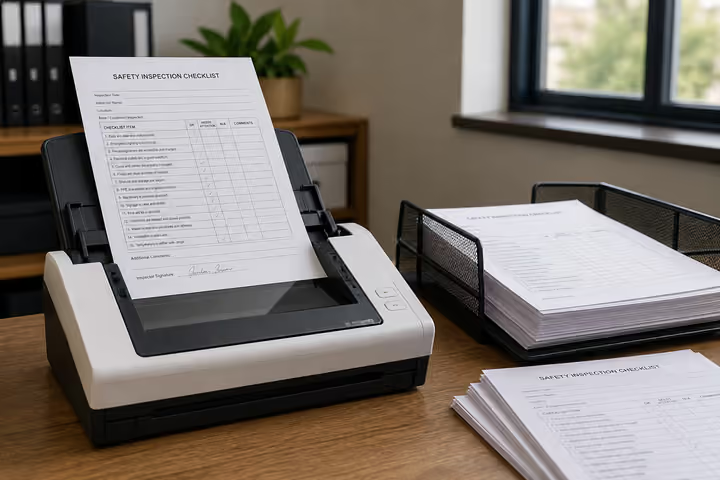
2 We convert them into AuditDAT

3 Your demo uses your inspections
Other industries
The checklists change. Inspections, job cards and reports stay the same.

Run site checks on a phone. Hazards become job cards. Workers report near misses from a QR on the safety board.
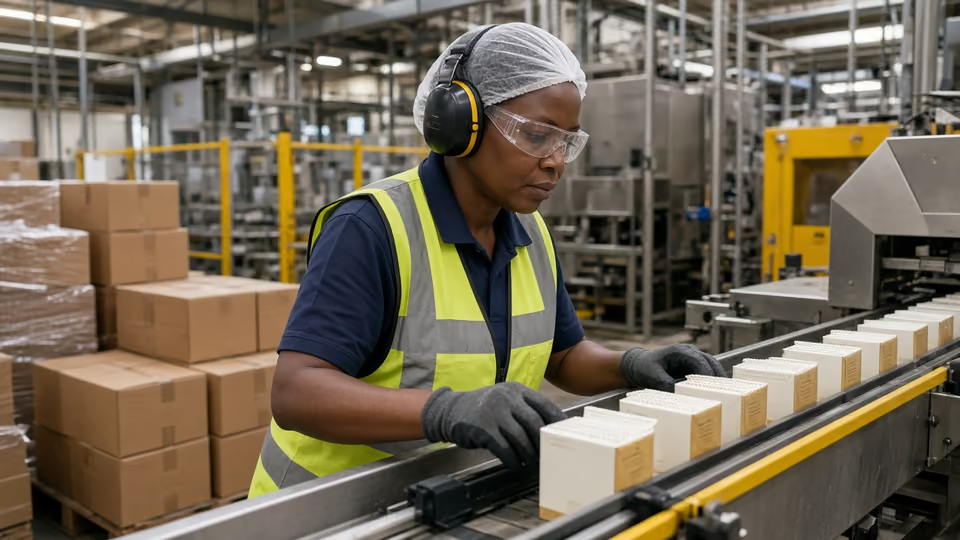
Check the line on a phone. Fails become job cards. Operators report faults from a QR.

Inspect pits and camps with no signal. Crews get job cards. Workers report hazards from a QR.

Run permit and LOTO checks on a phone. Fails become job cards. Visitors report from a QR at the gate.
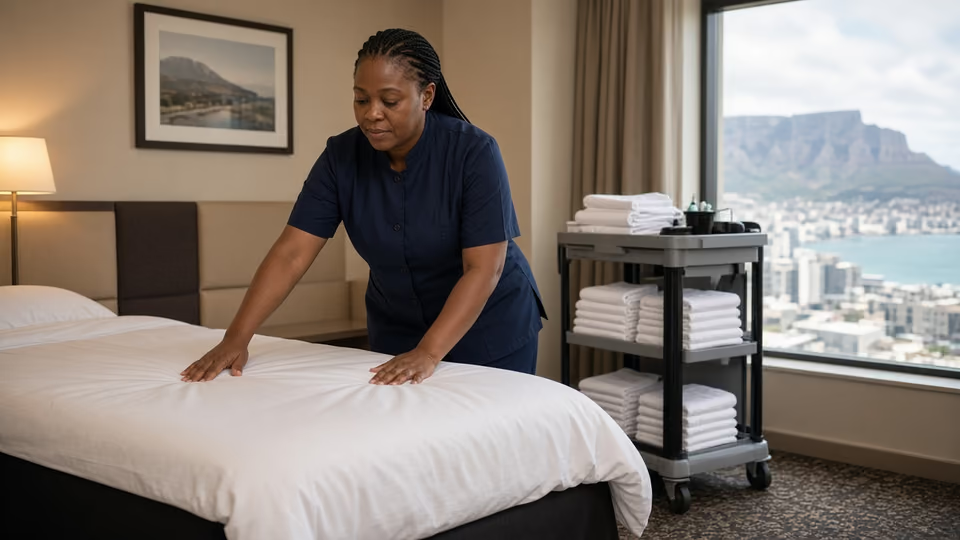
Housekeeping inspects rooms on a phone. Maintenance gets the job card. Guests report from a QR in the room.
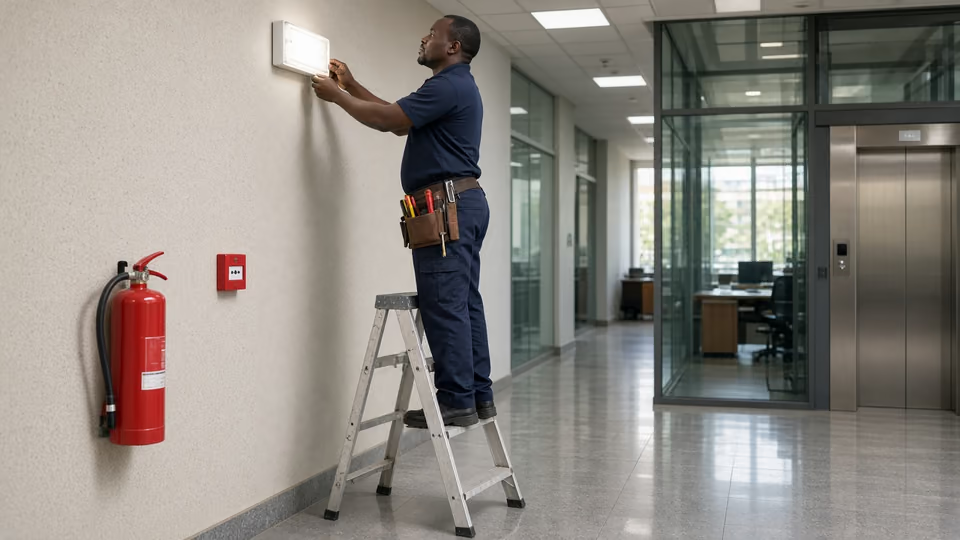
Inspect buildings on a phone. Contractors get job cards. Occupants report from a QR on each floor.
Almost there
Enter your work email and we’ll keep this ready for your demo.
Before you go
Send five inspection forms your team uses today, as PDF, Excel or Word files, or a photo of the paper form. We build them in AuditDAT and show you the product running your own process.