
Today
- The building inspection is written in a notebook.
- The contractor is told on WhatsApp, with no photo.
- Helpdesk emails sit in a separate inbox.
AuditDAT is a facilities inspection app for building teams in Ghana, Nigeria and similar markets. Walk the building on a phone, send defects to contractors as job cards, and let occupants report problems from a QR code on each floor.

The problem
How it is used
Walk the building on a phone. Occupants and the helpdesk can add jobs. Contractors close them. Managers see open work by building.
On the round
On the Block B round, the technician finds that the emergency light outside the Level 2 lift is out. He marks it as failed and adds a photo, and AuditDAT creates a job card for the electrical contractor. Fire, HVAC, washroom and pest control checks work the same way.
In the building
A tenant notices a leaking tap in the Level 2 washroom. They scan the QR card on the counter, describe the problem and submit it. No app is needed, and the report joins the same list as defects from planned rounds.
At the helpdesk
When someone phones or emails the helpdesk, the coordinator logs it as a job card. It sits on the same list as the QR reports and round findings, so contractors see all their work in one place.
With the contractor
The electrical contractor opens the emergency-light job card and sees the floor, the photo and the inspection it came from. After replacing the light, they add a photo and close the card.
For the client
Filter open job cards by building to see what is still outstanding and which rounds are overdue. Export a PDF or CSV report for the client. Many teams run AuditDAT alongside an existing CAFM system.
Facilities teams typically run these rounds and job sheets in AuditDAT:
Download sample checklists from our checklist library, or send us five of your own and we will build them in AuditDAT for your demo.
FAQ
AuditDAT is a facilities inspection app. Inspect the building on a phone. A fail becomes a job card for a contractor. People in the building can report from a floor QR with no login.
Yes. Shared checklists and assigned job cards keep close-out visible for internal teams and vendors.
Not always. AuditDAT handles inspections, photos and job cards. Many facilities teams run it alongside existing work-order tools. Others start here because they still use paper.
Yes. A guest, tenant, contractor or worker scans a QR and reports the issue without an account. No app is needed. The report lands in the same job-card list.
Yes. Actions are job cards. Create them from a failed check, add them yourself, or get them from a QR report. They stay open until someone closes them.
Free with your demo
Send five inspection forms your team uses today, as PDF, Excel or Word files, or a photo of the paper form. We build them in AuditDAT and show you the product running your own process.
Bring your forms as PDF · Word · Excel · photo of paper

Included when you book a demo. No extra fees.

1 You send paper or Excel forms
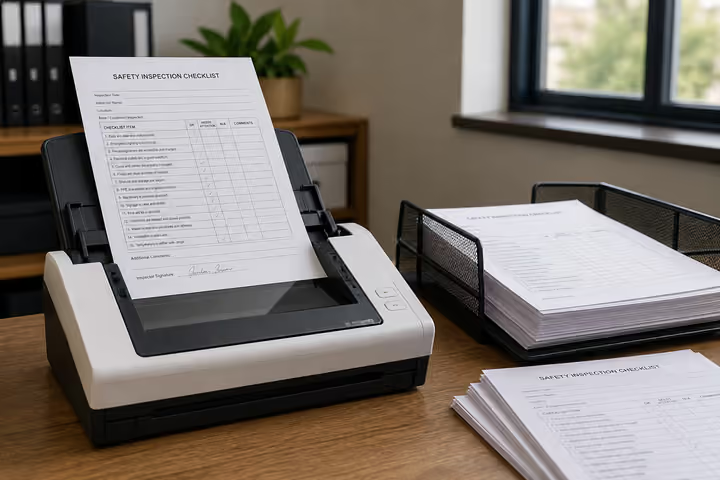
2 We convert them into AuditDAT

3 Your demo uses your inspections
Other industries
The checklists change. Inspections, job cards and reports stay the same.

Run site checks on a phone. Hazards become job cards. Workers report near misses from a QR on the safety board.

Officers patrol on a phone. Incidents become job cards. Staff or visitors report from a QR at the gate.

Check the line on a phone. Fails become job cards. Operators report faults from a QR.

Inspect pits and camps with no signal. Crews get job cards. Workers report hazards from a QR.

Run permit and LOTO checks on a phone. Fails become job cards. Visitors report from a QR at the gate.
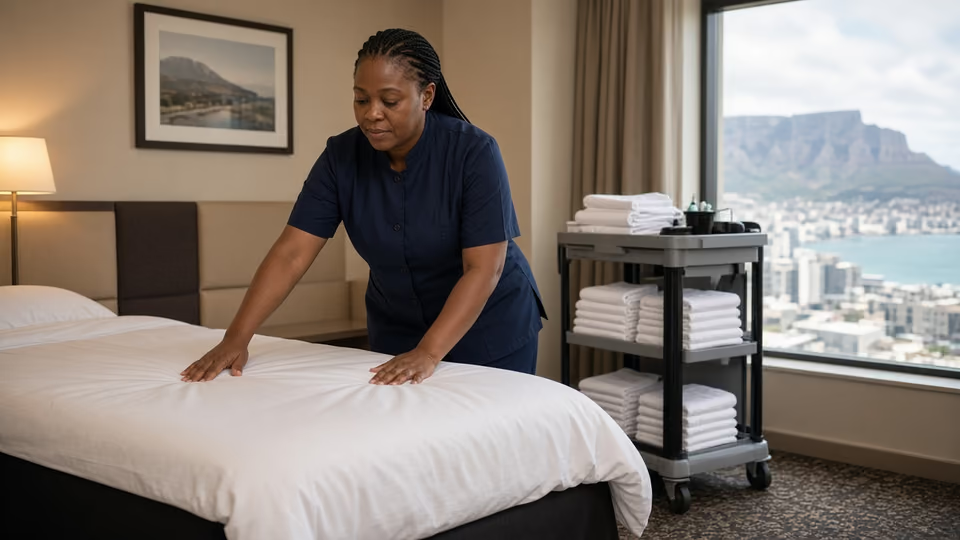
Housekeeping inspects rooms on a phone. Maintenance gets the job card. Guests report from a QR in the room.
Almost there
Enter your work email and we’ll keep this ready for your demo.
Before you go
Send five inspection forms your team uses today, as PDF, Excel or Word files, or a photo of the paper form. We build them in AuditDAT and show you the product running your own process.