
Today
- Room and kitchen inspections sit on separate lists.
- Engineering hears the complaint on the radio.
- The manager finds the problem in a guest review.
AuditDAT is a hotel inspection app for housekeeping, kitchens and maintenance in Ghana, Nigeria and similar markets. Housekeeping inspects rooms on a phone, maintenance gets the job card, and guests can report problems from a QR code in the room.

The problem
How it is used
Housekeeping inspects rooms. Guests and reception can add jobs. Kitchen, public-area and patrol checks use the same list.
In the room
The room-ready check covers amenities, cleaning and defects. When the bedside lamp does not work, the housekeeper marks it as failed and adds a photo. Maintenance gets a job card straight away.
From the guest
The guest scans the card on the bedside table and describes the problem, such as air conditioning that is not cooling. They can add a photo if they want. No app is needed, and the report joins the same list as the other room job cards.
At the desk
A guest stops at the front desk to report a leaking tap. Reception creates a job card, assigns it to maintenance and sets a due date. Complaints for housekeeping, engineering or F&B go on the same list as room issues.
In the kitchen
The kitchen team records fridge temperatures, hand-wash stations and storage on a phone, with photos on the check. A fail becomes a job card for the kitchen or engineering.
Around the hotel
The daily pool-deck check covers hazards on the deck, the lifeguard station and water quality. Lobby, restaurant, HSE, security and pest control checks run on the same phones, and planned maintenance uses the same job cards.
Hotels typically run these checks in AuditDAT:
Download sample checklists from our checklist library, or send us five of your own and we will build them in AuditDAT for your demo.
FAQ
AuditDAT is a hotel inspection app for housekeeping, kitchens and maintenance. Housekeeping inspects on a phone. A fail becomes a job card for maintenance. A guest can report from a room QR with no login.
Yes. Housekeeping, kitchen, maintenance and HSE run their own forms, with one view of open job cards.
Yes. Shared checklists keep properties on the same standard. Filter by site to see what is overdue.
Yes. A guest, tenant, contractor or worker scans a QR and reports the issue without an account. No app is needed. The report lands in the same job-card list.
Yes. Actions are job cards. Create them from a failed check, add them yourself, or get them from a QR report. They stay open until someone closes them.
Free with your demo
Send five inspection forms your team uses today, as PDF, Excel or Word files, or a photo of the paper form. We build them in AuditDAT and show you the product running your own process.
Bring your forms as PDF · Word · Excel · photo of paper

Included when you book a demo. No extra fees.
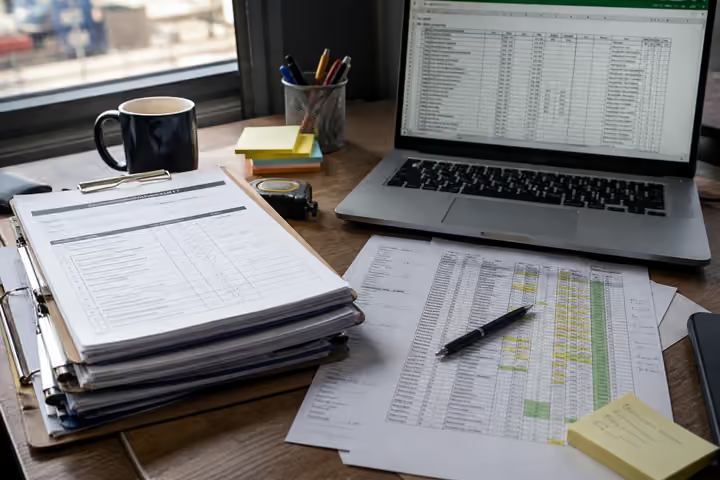
1 You send paper or Excel forms
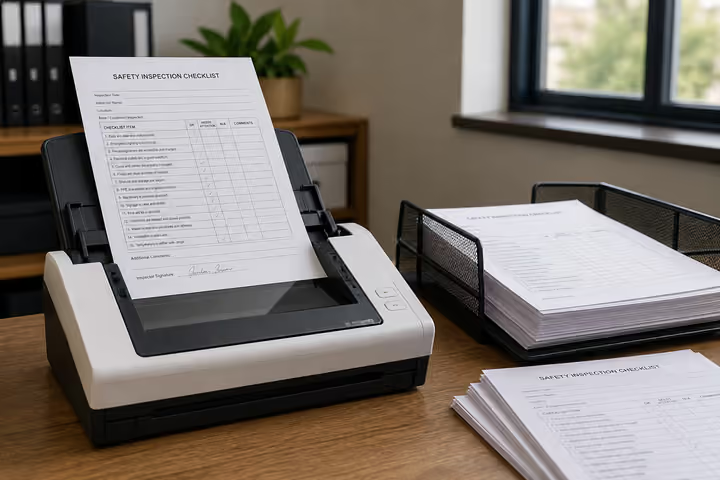
2 We convert them into AuditDAT

3 Your demo uses your inspections
Other industries
The checklists change. Inspections, job cards and reports stay the same.

Run site checks on a phone. Hazards become job cards. Workers report near misses from a QR on the safety board.

Officers patrol on a phone. Incidents become job cards. Staff or visitors report from a QR at the gate.
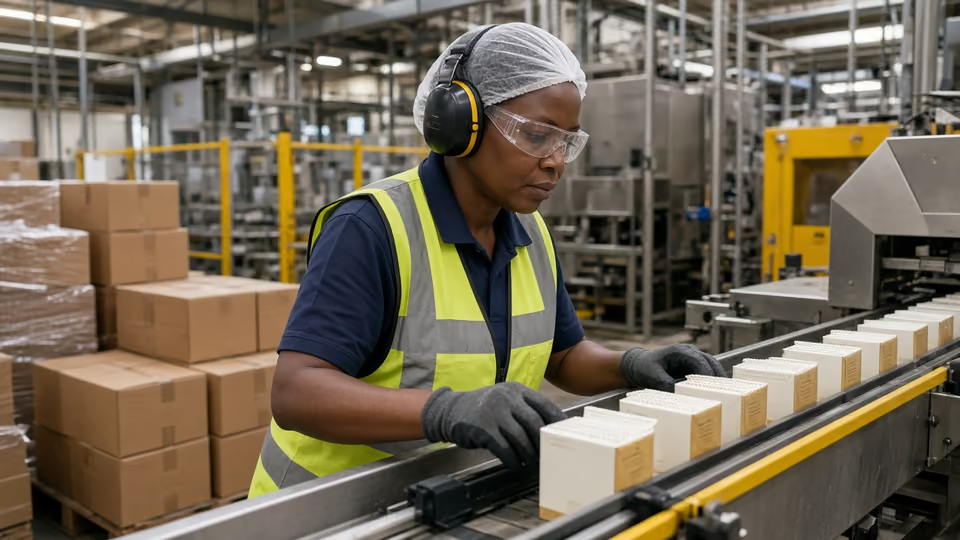
Check the line on a phone. Fails become job cards. Operators report faults from a QR.

Inspect pits and camps with no signal. Crews get job cards. Workers report hazards from a QR.

Run permit and LOTO checks on a phone. Fails become job cards. Visitors report from a QR at the gate.
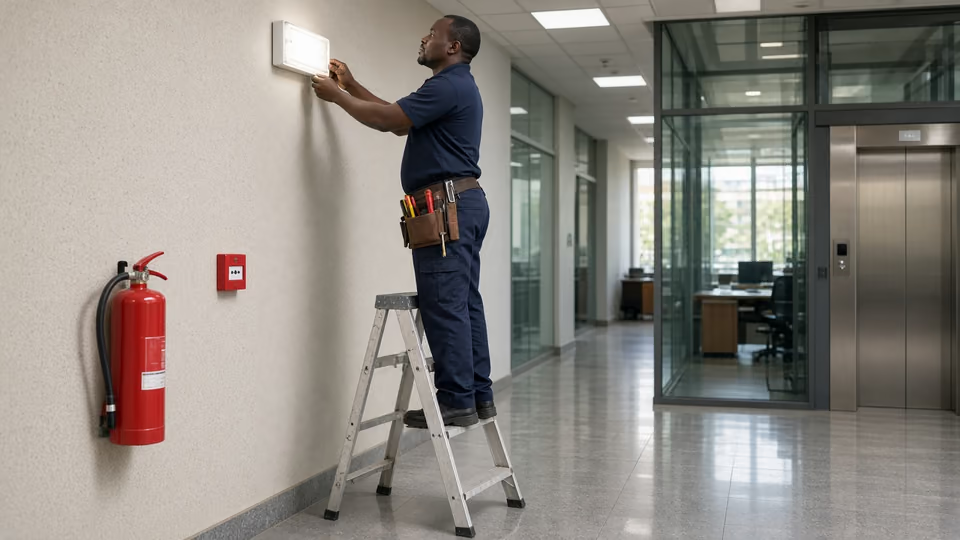
Inspect buildings on a phone. Contractors get job cards. Occupants report from a QR on each floor.
Almost there
Enter your work email and we’ll keep this ready for your demo.
Before you go
Send five inspection forms your team uses today, as PDF, Excel or Word files, or a photo of the paper form. We build them in AuditDAT and show you the product running your own process.